

 Rentorzo Team
In this article
- What is corporate laptop rental?
- Benefits of bulk laptop rental for companies
- Laptop rental for companies: common use cases
- Which laptops should your team rent?
- Rent vs buy: laptops for a 20-person team
- Laptop leasing vs rental: what is the difference?
- Corporate laptop rental in Bangalore
- Corporate laptop rental in Chennai
- How corporate laptop rental works
- What is included in a corporate rental
- Checklist before you rent a fleet
- Common mistakes companies make
- Returns, extensions and scaling
- Corporate laptop rental: FAQs
Corporate laptop rental in Bangalore and Chennai for offices: bulk Dell, HP and Lenovo laptops on monthly plans with on-site setup and servicing.
Hiring fast in Whitefield, opening a project office on OMR, or running a training batch in Electronic City? Buying thirty laptops ties up a large amount of capital in hardware that loses value from day one. This guide explains how bulk laptop rental works for companies in Bangalore and Chennai, which machines suit which roles, how renting compares with buying and leasing, and how to roll out a rented fleet without surprises.
What is corporate laptop rental?
With business laptop rental, your company pays a fixed monthly rent per machine instead of buying the hardware. We own, maintain and replace the laptops. When the contract ends, you return the fleet, or extend, upgrade or scale it up or down.
Every Rentorzo corporate laptop comes from business ranges built for daily use: Dell Latitude, HP EliteBook and Lenovo ThinkPad, with Core i5 or Core i7 processors, 16GB RAM in most configurations, and SSD storage throughout. Each one is wiped, serviced and checked before it reaches your office.
Benefits of bulk laptop rental for companies
- Protect cash flow. Monthly rent replaces a large capital purchase, which matters most for startups and growing teams.
- Scale with headcount. Add laptops as you hire and return them when a project ends.
- No maintenance burden. Servicing and replacement are included for the whole rental. If a machine fails, we repair or swap it.
- Ready to work. Every laptop ships with licensed Windows. Tell us what else your team needs and we image the machines before delivery.
- On-site delivery and setup at your office in Bangalore or Chennai.
- Upgrade any time. Move a developer from Core i5 to Core i7 mid-rental. We adjust the plan from the changeover date.
- Bulk pricing. Larger orders get bulk pricing, with monthly rent and deposit shown in the quote.
Laptop rental for companies: common use cases
Laptop rental for new employees and onboarding
When a hiring wave lands, IT teams often scramble to source, image and hand out machines in time for day one. Renting lets you match laptops to joining dates: share the start dates and specification, and pre-configured machines arrive at the office ready for each new joiner. If some offers fall through, you have not bought hardware that sits in a cupboard.
Laptop rental for training, bootcamps and events
Training institutes, coding bootcamps, corporate L&D teams and event organisers need identical machines for a defined period. Core i5 laptops imaged with the same software give every trainee the same setup. For events, exhibitions, registration desks and training rooms, iPads on rent (iPad 8th Gen and iPad Pro) are a popular addition.
Laptop rental for startups
Early-stage teams change size quickly and need their cash for hiring and product. Renting keeps hardware off the balance sheet as a capital purchase and lets you add a machine for each hire. Our guide to laptop rental in Bangalore for startups covers this in more detail.
Project offices, client deployments and temporary teams
A six-month client project, an audit team, a temporary support floor or a staff-augmentation contract all have a clear end date. Rent for the duration, extend if the project overruns, and return the fleet when it closes.
A desktop alternative for the office
Many offices now pair a business laptop with a monitor instead of buying desktops. Staff get a large screen at their desk and can still take the laptop into meetings or home. Monitor rental for the office covers 24-inch Full HD and 27-inch displays, with cables included.
Which laptops should your team rent?
| Role | Recommended configuration | Example models |
|---|---|---|
| Sales, support, HR, operations, training batches | Core i5, 16GB RAM, SSD | HP EliteBook 840 G7, Lenovo ThinkPad T14, Dell Latitude 5490 |
| Developers, data analysts, QA running VMs | Core i7, 16GB RAM, 512GB–1TB SSD | Dell Latitude 7420, HP EliteBook 850 G9, ThinkPad X1 Carbon Gen 11 |
| Designers and iOS developers | MacBook | MacBook Air M1, MacBook Air M2, MacBook Pro |
| Video, 3D and CAD work | Dedicated graphics | Acer Nitro 5 (RTX 3050), ASUS TUF Gaming F15 (GTX 1650) |
| Every desk | Second monitor | 24-inch Full HD or 27-inch display |
- Core i5 with 16GB RAM for office work, sales, support, HR and training. It handles documents, browsers, video calls and CRM tools comfortably, and is the most affordable option for bulk orders.
- Core i7 for developers, analysts and anyone running virtual machines, large builds or heavy spreadsheets.
- MacBook for designers and iOS developers. Stock varies by city, so confirm quantities in your quote.
- A second monitor on every desk, one of the cheapest productivity upgrades you can make.
Rent vs buy: laptops for a 20-person team
| Buying laptops | Renting laptops | |
|---|---|---|
| Upfront cost | Full price of every laptop on day one | First month's rent plus a refundable deposit |
| Repairs | Your cost and your IT team's time | Included: repaired or replaced |
| Team grows or shrinks | Buy more, or sell old ones at a loss | Add or return machines |
| End of project | Hardware you no longer need | Return the fleet, get the deposit back |
| Upgrades | Buy new machines | Swap mid-rental |
Buying can still suit a small, stable team that keeps the same laptops for four or more years. For fast-growing teams, project work, training and temporary offices, renting almost always wins.
Laptop leasing vs rental: what is the difference?
The terms are often used interchangeably, but they usually mean different things. A laptop lease is typically a longer, fixed financing arrangement, often for new machines, where the company commits to the full term and may have end-of-term buyout or return conditions. Laptop rental is shorter and more flexible: monthly plans, maintenance handled by the rental provider, and the option to extend, upgrade or return.
If you know you need the same fleet for many years and want new hardware, a lease may be worth comparing. If your headcount, projects or training calendar change through the year, rental keeps you flexible. As with any IT hardware rental, read the terms on servicing, replacement and returns before you sign.
Corporate laptop rental in Bangalore
Bangalore's tech parks and startup hubs need laptops in a hurry. We deliver and set up laptops for offices across the city, including:
- East and the ORR belt. Laptop rental in Whitefield, Marathahalli, Bellandur and C.V. Raman Nagar.
- South and South-East. Laptop rental in Electronic City, Koramangala, HSR Layout, BTM Layout, Jayanagar and J.P. Nagar.
- Central, North and West. Indiranagar, R.T. Nagar, Yelahanka and Rajarajeshwari Nagar.
- Windows laptops on rent in Bangalore for operations, sales and support teams
- i7 laptops on rent in Bangalore for developers and data teams
- MacBooks on rent in Bangalore for design and iOS teams
- Monitors on rent in Bangalore for dual-screen desks
Corporate laptop rental in Chennai
In Chennai we serve companies along the OMR IT corridor (Perungudi, Thoraipakkam, Sholinganallur, Siruseri), as well as Guindy, Velachery, T. Nagar, Anna Nagar, Ambattur, Porur, Adyar, Ashok Nagar, K.K. Nagar and Besant Nagar.
- Windows laptops on rent in Chennai
- i5 laptops on rent in Chennai, the best-value option for bulk orders and training batches
- i7 laptops on rent in Chennai
- Monitors on rent in Chennai
For individual employees renting on their own, see our guide to laptop on rent in Chennai.
How corporate laptop rental works
- Share your requirement. Quantity, specification, software and rental period, through our contact page.
- Get a bulk quote with monthly rent and deposit shown up front.
- Complete company KYC online. The team tells you exactly which documents are needed for your company.
- Delivery and setup of pre-configured laptops at your office in Bangalore or Chennai.
- Ongoing support. Faults are repaired or the machine is replaced for the whole rental.
What is included in a corporate rental
- Business-grade laptops, wiped, serviced and checked before delivery
- Licensed Windows on every Windows laptop
- Imaging with the software your team requests, set up before delivery
- On-site delivery and setup at your office
- Servicing and repair or replacement for the whole rental, at no extra cost
- Mid-rental upgrades, with the plan adjusted from the changeover date
- Extensions when a project runs longer
Software licences beyond Windows (for example your productivity suite, design tools or security agents) are your company's own; tell us what to install and we set it up.
Checklist before you rent a fleet
- List roles and headcount, and map each role to an i5, i7, MacBook or graphics-capable machine.
- Confirm joining dates or the training calendar so delivery can be planned around them.
- Prepare a software list and any configuration your IT team needs on the image.
- Decide whether desks need a second monitor.
- Agree the rental period, with a view on whether you may need to extend.
- Nominate one point of contact for KYC, delivery and fault reports.
- Plan how staff will back up data before machines are returned.
Common mistakes companies make
- Over-specifying every machine. Giving everyone an i7 when most roles run comfortably on an i5 raises the monthly bill for no gain.
- Leaving the software list to the last day. Share it with your requirement so machines arrive imaged and ready.
- Ignoring monitors. A second screen often does more for productivity than a faster processor.
- No offboarding plan. Collect machines and back up data when people leave or projects end, so returns are quick and deposits come back.
- Buying for a temporary need. Hardware bought for a six-month project still needs storing, maintaining or selling afterwards.
Returns, extensions and scaling
When a project ends, return the machines and the refundable deposit is returned once the devices are back in working order. If the work runs over, extend. If the team grows, add laptops; if a few people need more power, upgrade their machines mid-rental and the plan is adjusted from the changeover date.
Corporate laptop rental: FAQs
Is there a minimum quantity for bulk laptop rental?
No strict minimum. We rent single laptops to individuals and full fleets to companies, and larger orders get bulk pricing.
What is the minimum rental period for companies?
Individual plans start at 3 months. For corporate contracts we can be flexible, so tell us what your project needs.
How much does corporate laptop rental cost in Bangalore and Chennai?
Rental plans on Rentorzo start from ₹1,499/month. The rent for your team depends on the models, quantity and rental period, and longer plans cost less per month. Your quote shows the monthly rent and deposit up front.
How quickly can you deliver laptops to our office?
Most orders are delivered within 24–48 hours of KYC approval. For larger fleets, share your timeline when you request a quote.
Do you rent laptops for training batches and events in Bangalore and Chennai?
Yes. Training institutes, bootcamps and event organisers regularly rent laptops, monitors and iPads in bulk.
Is Windows installed on rented laptops?
Yes. Every Windows machine ships with a licensed copy of Windows, and we can set up other software before delivery.
What happens if a rented laptop breaks down?
Servicing and replacement are included for the whole rental. Report the fault and we repair or swap the machine at no extra cost.
Can we upgrade or add laptops during the contract?
Yes. Add machines as you hire, or upgrade individual laptops (for example i5 to i7). We adjust the plan from the changeover date.
Which areas of Bangalore and Chennai do you cover for office delivery?
In Bangalore, areas including Whitefield, Electronic City, Koramangala, HSR Layout, Marathahalli and Bellandur. In Chennai, the OMR corridor, Guindy, Velachery and more. See the area lists above.
Planning a fleet? Get a corporate laptop rental quote for your office in Bangalore or Chennai.
Related searches
- Laptop rental in Bangalore for offices
- Laptop rental in Chennai for companies
- i5 laptops on rent in Bangalore for bulk orders
- i7 laptops on rent in Chennai for developers
- Windows business laptops on rent in Chennai
- Monitor rental for offices in Bangalore
- Monitor rental for offices in Chennai
- iPads on rent in Chennai for events
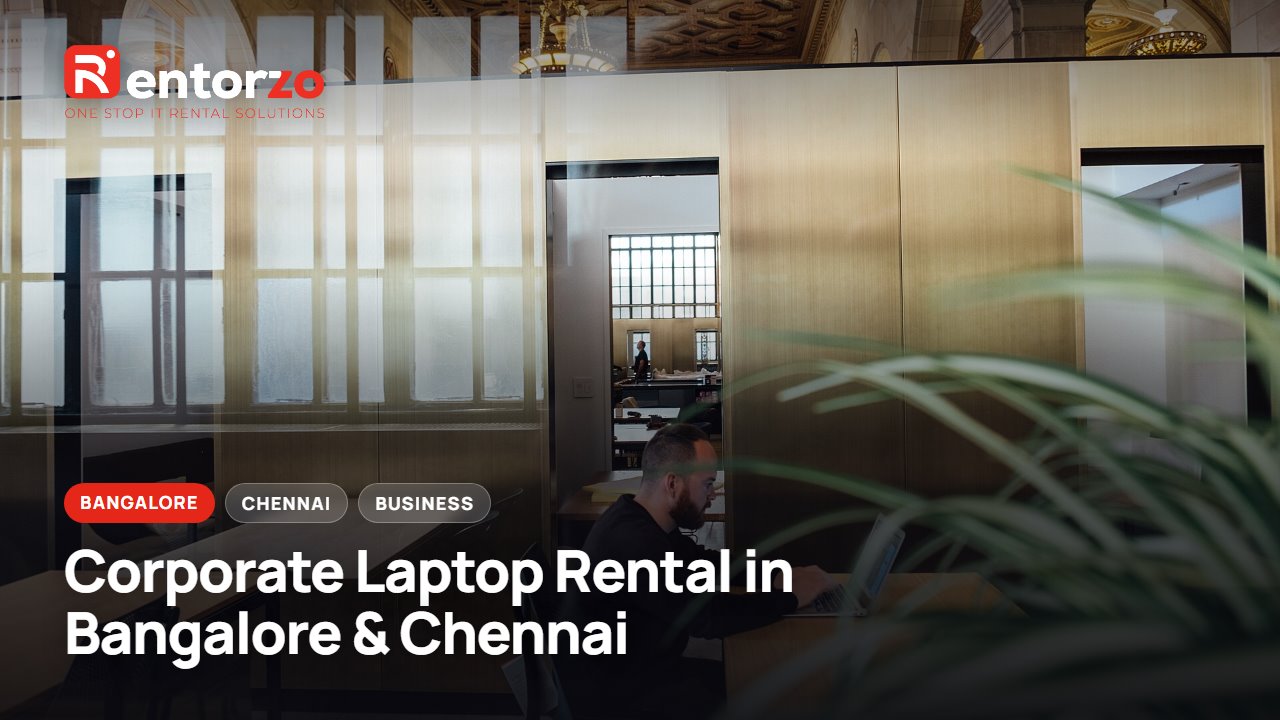
Cover photo: Working in open office space (Unsplash).jpg by Crew crew, public domain (CC0), via Wikimedia Commons.