

 Rentorzo Team
In this article
- Gaming laptops on rent: the two models
- RTX 3050 vs GTX 1650: what is the difference?
- Gaming laptop specs explained
- Game-by-game guidance
- Which gaming laptop should you rent?
- Not just for gaming: who rents gaming laptops?
- Why rent a gaming laptop instead of buying?
- Gaming monitor on rent: complete the setup
- Gaming laptop rental in Bangalore
- Gaming laptop rental in Chennai
- Checklist before you rent a gaming laptop
- Common mistakes to avoid
- How to look after a rented gaming laptop
- Gaming laptop on rent: FAQs
Gaming laptop on rent in Bangalore and Chennai. Compare the RTX 3050 Acer Nitro 5 and GTX 1650 ASUS TUF for games, editing and 3D work.
A good gaming laptop is one of the most expensive pieces of personal tech you can buy, and the hardware dates quickly. Renting gives you dedicated-GPU performance for as long as you need it, delivered to your door in Bangalore or Chennai, with servicing included. This guide compares the two gaming laptops you can rent at Rentorzo, explains what the specs mean, and helps you pick the right one for gaming, streaming, video editing or engineering coursework.
Gaming laptops on rent: the two models
| Acer Nitro 5 | ASUS TUF Gaming F15 | |
|---|---|---|
| Processor | Intel Core i7 12th Gen | AMD Ryzen 5 |
| Graphics | NVIDIA RTX 3050 | NVIDIA GTX 1650 |
| Memory | 16GB RAM | Check the product page |
| Best for | Current AAA games, video editing, Blender, ML coursework | Esports titles, 1080p medium settings, budget plans |
| Monthly rent | Higher | Lower |
Live prices and stock: gaming laptop on rent in Bangalore and gaming laptop on rent in Chennai.
RTX 3050 vs GTX 1650: what is the difference?
RTX 3050 laptop rental (Acer Nitro 5)
The RTX 3050 is a newer NVIDIA generation with ray tracing and DLSS, which uses AI upscaling to raise frame rates in supported games. It also has Tensor cores, which help with AI workloads, and a newer video encoder for streaming and exports. Paired with a Core i7 12th Gen and 16GB RAM, it runs current titles at 1080p with good settings and exports noticeably faster in Premiere Pro and DaVinci Resolve.
GTX 1650 laptop on rent (ASUS TUF Gaming F15)
The GTX 1650 is an older, more affordable card without ray tracing or DLSS. It is comfortable at 1080p on medium settings and delivers high frame rates in esports titles such as Valorant, CS2, Dota 2 and Fortnite. It is the value pick for competitive gaming or GPU coursework on a budget.
Gaming laptop specs explained
GPU: the most important part
The graphics card decides which games you can play and at what settings. It also accelerates video exports, Blender renders, CAD viewports and CUDA-based machine learning. If you only look at one spec on a gaming laptop, look at the GPU.
CPU: matters for high frame rates and multitasking
The processor feeds the GPU. It matters most in competitive shooters where you want very high frame rates, in strategy and simulation games, and when you stream or record while playing. The 12th Gen Core i7 in the Acer Nitro 5 has more cores than the Ryzen 5, which helps when gaming and streaming at the same time.
RAM: 16GB is the comfortable minimum
Modern games, Discord, a browser and OBS together use a lot of memory. 16GB keeps everything running without stutter. Video editing and 3D work benefit from as much RAM as you can get.
SSD: faster loading
An SSD shortens game load times and makes large project files open quickly. Modern AAA games take a lot of space, so plan which titles you install and uninstall the ones you finish.
Display and cooling
Gaming laptops are built with stronger cooling than business laptops so the GPU can sustain its performance. For competitive games, a high refresh rate display makes motion look smoother, which is where an external gaming monitor helps (see below).
Game-by-game guidance
| Game type | GTX 1650 (ASUS TUF) | RTX 3050 (Acer Nitro 5) |
|---|---|---|
| Esports: Valorant, CS2, Dota 2, League of Legends | Should handle well at 1080p | Should handle very well, with more headroom for high refresh rates |
| Battle royale: Fortnite, Apex Legends, PUBG: Battlegrounds | Typically runs at 1080p on medium to low settings | Typically runs at 1080p on medium to high settings |
| Recent AAA single-player games | Lower settings, older titles are the better fit | 1080p with good settings, DLSS helps in supported games |
| Ray-traced games | Not supported | Supported, best with DLSS on |
| GTA V, Minecraft, indie games | Should handle comfortably | Should handle comfortably |
Performance varies with each game's updates and settings, so treat this as a general guide rather than a benchmark.
Which gaming laptop should you rent?
- Rent the RTX 3050 for recent AAA games, streaming while you play, 4K video editing, Blender, Unreal Engine or machine-learning projects.
- Rent the GTX 1650 for esports titles, the lowest monthly rent, or a dedicated GPU for AutoCAD, SolidWorks and light editing.
Not sure? Start with the GTX 1650. If you find you need more power, you can upgrade to the RTX 3050 mid-rental: we swap the machine and adjust your plan from the changeover date.
Not just for gaming: who rents gaming laptops?
Gaming laptop for video editing on rent
Video editors and YouTubers use the GPU for accelerated timelines and exports in Premiere Pro, DaVinci Resolve and After Effects. The RTX 3050 is the better choice for 4K footage and heavier effects.
Laptop for Blender, 3D and CAD on rent
3D artists and animators working in Blender or Maya, and engineering and architecture students running AutoCAD, Revit, SolidWorks or ANSYS, all benefit from a dedicated GPU. SolidWorks and most of these CAD packages are Windows applications, so a Windows gaming laptop is the natural fit.
Laptop for streaming on rent
Streaming to Twitch or YouTube with OBS while playing is demanding. NVIDIA's built-in encoder handles the stream without taking too much from the game, and the Core i7 in the Acer Nitro 5 gives extra headroom.
Gaming laptop for students
Data science learners training small machine-learning models with CUDA, and students in design or engineering courses, often rent a gaming laptop for a semester instead of buying one. Read our guide to choosing a student laptop on rent for course-by-course advice.
Esports laptop rental for LAN parties and tournaments
Esports teams, colleges and companies organising a LAN party or tournament can rent several identical machines so every player has the same setup. For a bulk or short-duration requirement, contact the team.
Why rent a gaming laptop instead of buying?
- No large upfront spend. Pay monthly on a 3, 6 or 12-month plan instead of making a large one-time purchase.
- Servicing and replacement included. If the laptop overheats or fails, we repair or replace it at no extra charge.
- Upgrade when you need more power. Start on a GTX 1650 and move to an RTX 3050 mid-rental.
- No depreciation. Gaming hardware loses value fast. Return it when you are done and get your deposit back.
- Try before you commit. Renting for a few months is a sensible way to find out what kind of machine you actually need before buying one later.
More on this in 5 reasons renting a laptop beats buying one.
Gaming monitor on rent: complete the setup
A laptop screen is fine on the move, but at a desk an external display is much more comfortable. We rent 24-inch Full HD and 27-inch monitors, including a Samsung 27-inch 144Hz 1ms gaming monitor that pairs well with both gaming laptops for competitive play. Cables are included.
Gaming laptop rental in Bangalore
We deliver gaming laptops to homes, PGs, hostels and offices across Bangalore, including Koramangala, HSR Layout, Indiranagar, BTM Layout, Whitefield, Electronic City, Marathahalli, Bellandur, Jayanagar, J.P. Nagar, Yelahanka, R.T. Nagar, C.V. Raman Nagar and Rajarajeshwari Nagar. Searching for a gaming laptop on rent near me? Enter your PIN code at checkout to confirm delivery.
Gaming laptop rental in Chennai
In Chennai we deliver gaming laptops to Velachery, Guindy, Anna Nagar, T. Nagar, Adyar, Besant Nagar, Porur, Ambattur, Ashok Nagar, K.K. Nagar and the OMR corridor (Perungudi, Thoraipakkam, Sholinganallur and Siruseri). It is a good fit for engineering and architecture students who need a GPU for CAD work, as well as gamers and creators.
Checklist before you rent a gaming laptop
- List the games or software you will run and check whether the GTX 1650 is enough or you need the RTX 3050.
- Decide whether you need a gaming monitor, and add it to the same order.
- Pick a plan length: 3, 6 or 12 months, with longer plans lowering the monthly rent.
- Keep Aadhaar, PAN and an address proof for your delivery address ready for online KYC. Working professionals may be asked for an office ID or company letter.
- Make sure you have a stable internet connection for downloading games, which can be very large.
Common mistakes to avoid
- Overpaying for a GPU you do not need. If you only play esports titles, the GTX 1650 is usually enough.
- Gaming on battery. Performance drops sharply when unplugged.
- Blocking the vents. Gaming on a bed or blanket causes overheating and throttling.
- Leaving saves only on the laptop. Every machine is wiped after return.
- Ignoring a fault. Servicing is included, so report problems early instead of living with them.
How to look after a rented gaming laptop
- Keep it plugged in while gaming or rendering. Laptop GPUs run at full power only on AC power.
- Use it on a hard, flat surface so the cooling vents stay clear. A cooling pad helps in long sessions.
- Keep game saves and projects in the cloud. Machines are wiped before the next customer.
- Update GPU drivers through NVIDIA's app for the best compatibility with new games.
- Carry it in a padded bag with the charger, which is heavier on gaming laptops than on business models.
Gaming laptop on rent: FAQs
How much does it cost to rent a gaming laptop in Bangalore or Chennai?
It depends on the graphics card and the plan. The GTX 1650 machine is cheaper, the RTX 3050 with Core i7 costs more, and 6 and 12-month plans reduce the monthly rate. Live prices are on each product page.
Is the RTX 3050 or GTX 1650 better for gaming?
The RTX 3050 is faster and supports ray tracing and DLSS, so it suits recent AAA games. The GTX 1650 is the budget choice and handles esports titles well.
Can I use a rented gaming laptop for video editing?
Yes. The same GPU that runs games accelerates Premiere Pro, DaVinci Resolve, Blender and most CAD software.
Can I rent a gaming laptop for one month?
The minimum plan is 3 months. For a shorter need, such as an event or tournament, contact the team.
Can I upgrade from the GTX 1650 to the RTX 3050 later?
Yes. We swap the machine and adjust your plan from the changeover date.
What if the gaming laptop overheats or stops working?
Servicing and replacement are included for the whole rental at no extra cost. Report the fault and we repair or swap the laptop.
Is a deposit required?
Yes, a one-time security deposit that is fully refundable at the end of the rental once the laptop is returned in working order. The amount is shown before you pay.
How fast is delivery?
Most orders in Bangalore and Chennai are delivered within 24–48 hours of KYC approval.
Does the rented laptop come with Windows?
Yes. Windows laptops ship with licensed Windows. Games and other software are installed using your own accounts and licences.
Related searches
- RTX gaming laptop on rent in Bangalore
- RTX gaming laptop on rent in Chennai
- Gaming monitor on rent in Bangalore
- Gaming monitor on rent in Chennai
- i7 laptop on rent in Bangalore
- i7 laptop on rent in Chennai
- Laptop rental in Bangalore
- Laptop rental in Chennai
Ready to play? Rent a gaming laptop in Bangalore or rent a gaming laptop in Chennai today.
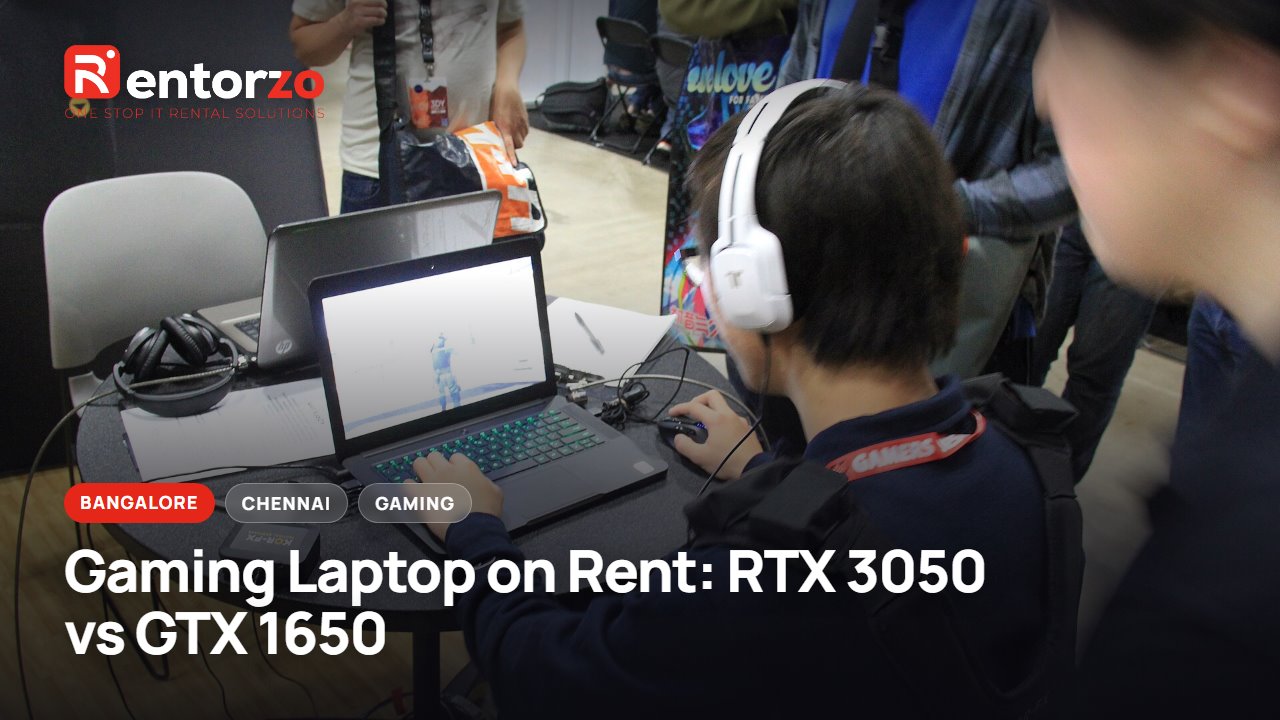
Cover photo adapted from PAX South 2015 - Laptop gaming (16359147471).jpg by Daniel Benavides from Austin, TX, licensed under CC BY 2.0, via Wikimedia Commons.